Free on Android · No watermark, ever

Edit videos like a pro.
Keep them watermark-free.

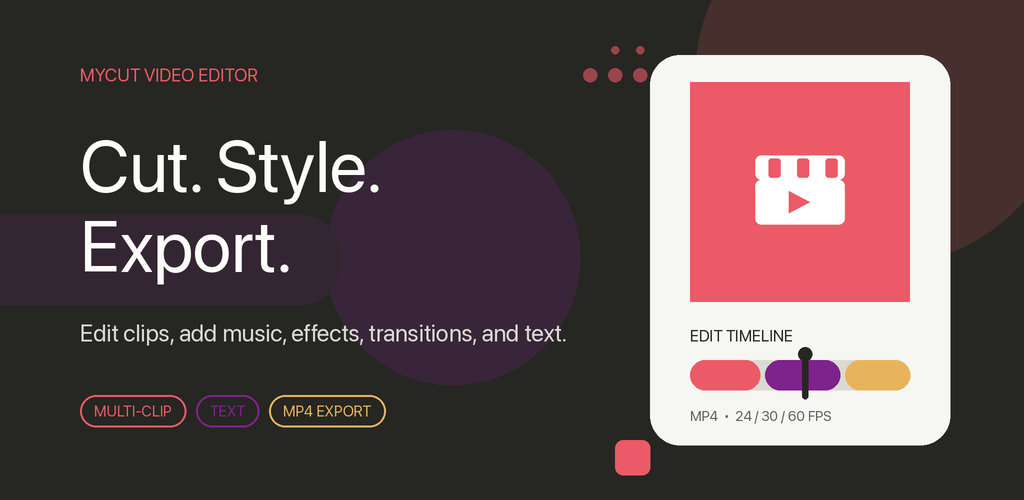
MyCut is a free video editor for Android. Cut, trim and merge clips, add music, effects and text — then export in HD, ready for TikTok, Reels, Shorts or YouTube.

MyCut video editor

Everything you need, nothing you don't

A fast, clean editor with the tools you actually use — right on your phone.

✂️

Simple visual timeline

Arrange multiple clips visually, then cut, split, trim, delete and reorder — with preview as you edit.

🎵

Music with fades

Add a soundtrack and adjust volume with fade-in and fade-out controls for a polished finish.

✨

7 transitions & filters

Cross fade, wipe, push, slide, zoom, flip and fold — plus filters from retro to black & white.

🔤

Animated text

Titles with custom font, size, color, shadow, stroke, rotation, scaling and animations.

⚡

Speed control

Slow motion or time-lapse — change any clip's speed in a tap.

💾

Autosave & undo

Projects autosave so you can keep editing later, with undo and redo anytime.

0 watermarks. 100% yours.

Your exported video has nothing stamped on it — not even once for free users. That's the whole point of MyCut.

From clips to finished video in four steps

Made for vertical videos on the go — no account needed.

Pick your media

Choose clips, photos and music from your device.

Arrange & edit

Trim, reorder and layer effects on the timeline.

Preview & export

Watch it back, pick your settings and export.

Save to gallery

Get a finished MP4 in your gallery — no watermark.

1080p
HD export
60fps
Max frame rate
$0
Free to use
0
Watermarks

Start editing in seconds

Download MyCut free and turn your clips into something worth sharing.

Get it on Google Play